All appsPDF Manager
Mac + WindowsEveryday PDFs, simplified.
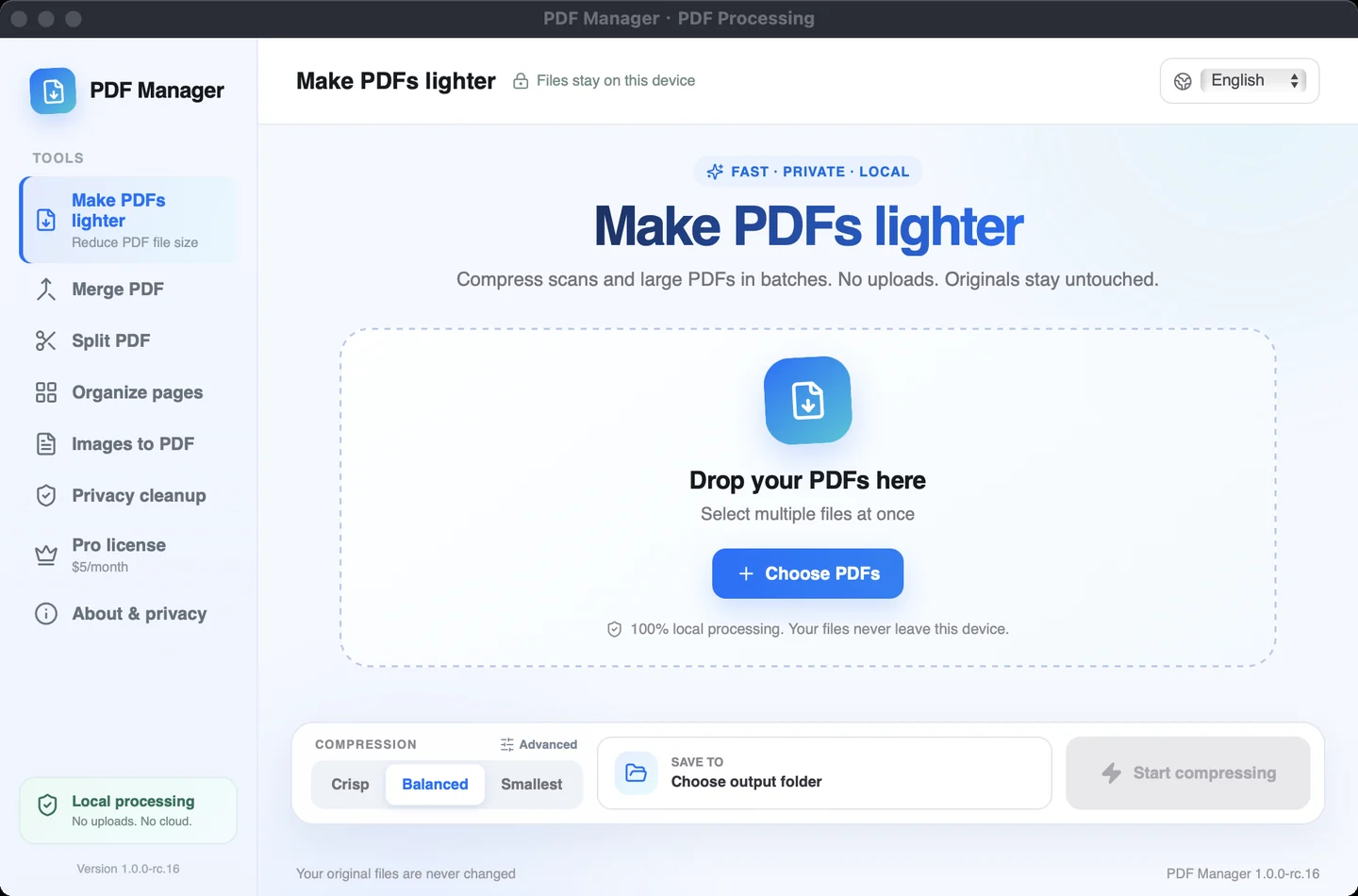
Compress, merge and organize documents in a focused desktop workspace. Keep everyday PDF tasks close at hand.
PDF Manager
Free: 5 PDFs/batch · Pro: US$5/month
One license key for one device. Pro removes the batch limit. Monthly subscription renews automatically; cancel anytime through your purchase email.
Applicable taxes are shown at checkout. Downloading the installer does not purchase a license.
Windows: buy online, then enter the license key in the app to activate paid features. A download or checkout return alone does not activate a license.
Ready for your desktop.
Pick your app. Check your platform.
Before you installThese Mac builds are not Apple notarized. ImageCommand and PDF Manager are Intel builds and require Rosetta on Apple Silicon. Installers and release manifests are hosted on our shared download site.
A LITTLE HELP
Before you get started.
How do I install a Mac app?
Download the DMG for your app, open the disk image and drag the app to Applications. Check the requirements and signing status above before installing. These builds are not Apple notarized.
Which download works on Apple Silicon?
Coniel, Afu and Compositor are universal builds for Intel and Apple Silicon. ImageCommand and PDF Manager currently provide Intel builds, which require Rosetta on Apple Silicon.
Can I pay for the Windows apps online?
Yes. Coniel, ImageCommand, PDF Manager provide online purchase and in-app license activation on Windows. Use the purchase link on the product page, then activate the license key in the app. Prices and device limits vary by product.
Are all the apps free?
Free features, trial availability and paid licenses vary by product. Review the relevant product page or the app's license screen for current options before purchasing.
Can I switch the app language?
Yes. The current Mac apps support English and Chinese inside the app. Previously saved language preferences may be retained when upgrading.
How do I update an app?
This site hosts current installers and update manifests. In Afu, open Settings → Software Update to check and download a verified update. For other apps, use their update screen when available, or download the current installer here. Quit a Mac app before replacing it in Applications.